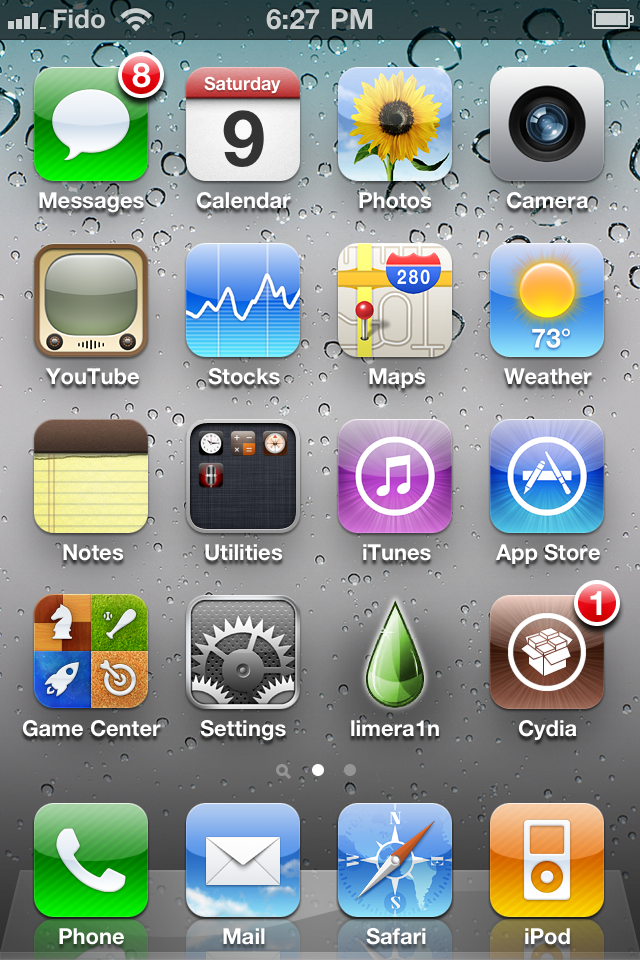
These are instructions on how to jailbreak your iPhone 3GS and iPhone 4 using Limera1n for Mac. Limera1n supports iOS 4.0, 4.0.1, 4.0.2, and 4.1. You can find the Windows version of this tutorial here.
Remember: Do not update to iOS 4.1 if you need the unlock. Ultrasn0w does not support that baseband yet. The only exception is the iPhone 4. You can update to iOS 4.1 without upgrading your baseband by following this tutorial.
Step One
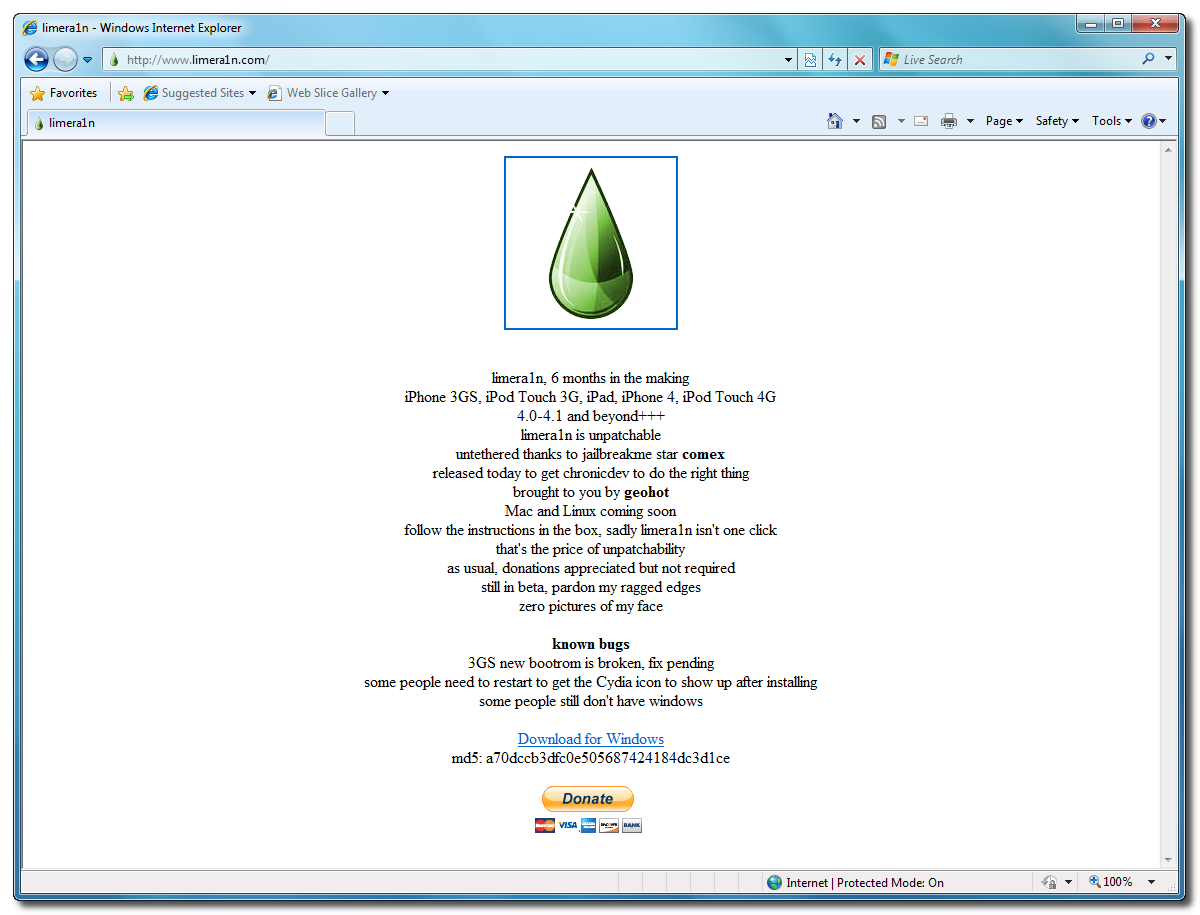
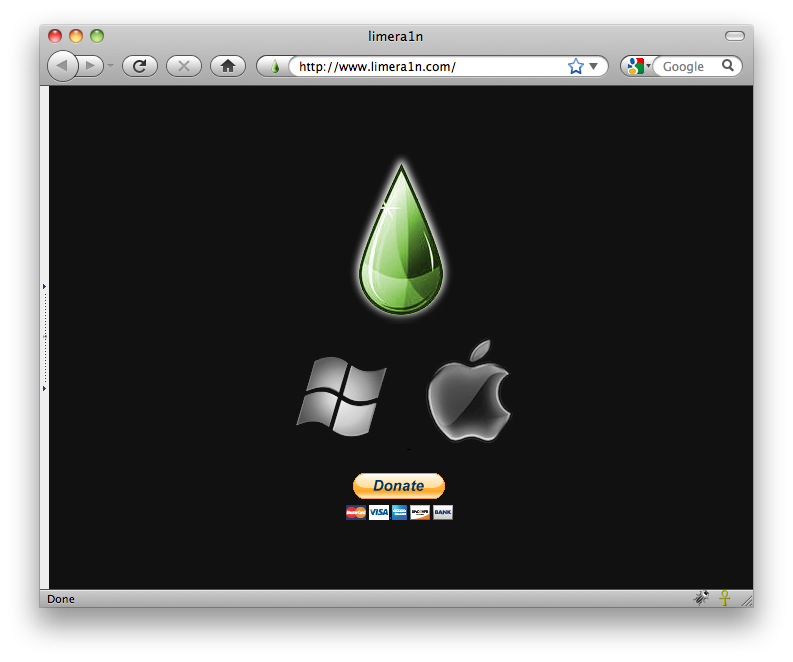
Open your web browser of choice and navigate to http://www.limera1n.com. Click the Mac logo at the bottom of the screen.

Step Two
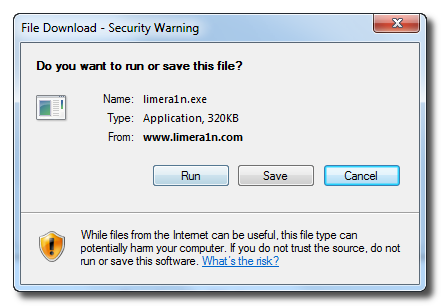
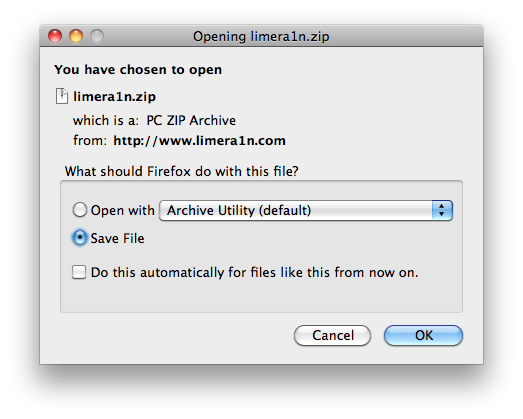
When prompted save the download to your desktop

Step Three
Double click the limera1n.zip file from the desktop to extract the application, then double click it to launch.

Step Four
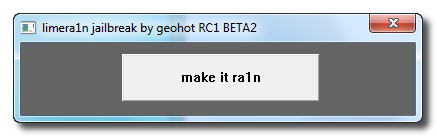
Click the large make it ra1n button

Step Five
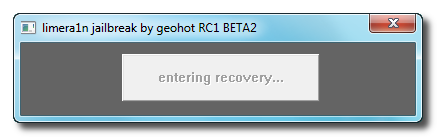
You iPhone will now be placed in recovery mode.

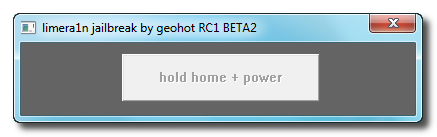
Press both the power and the home buttons.

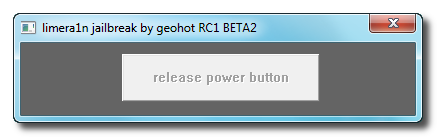
When Limera1n asks you to, release the power button.

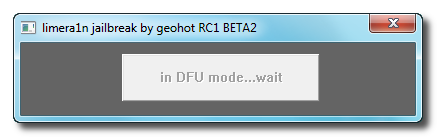
Your phone will now be in DFU mode

As limera1n performs its exploit you will see the image of a lime raindrop on your iPhone.


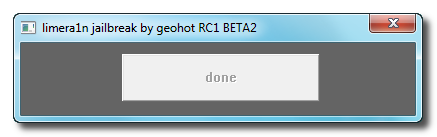
Limera1n will let you know when it is complete.


Step Six
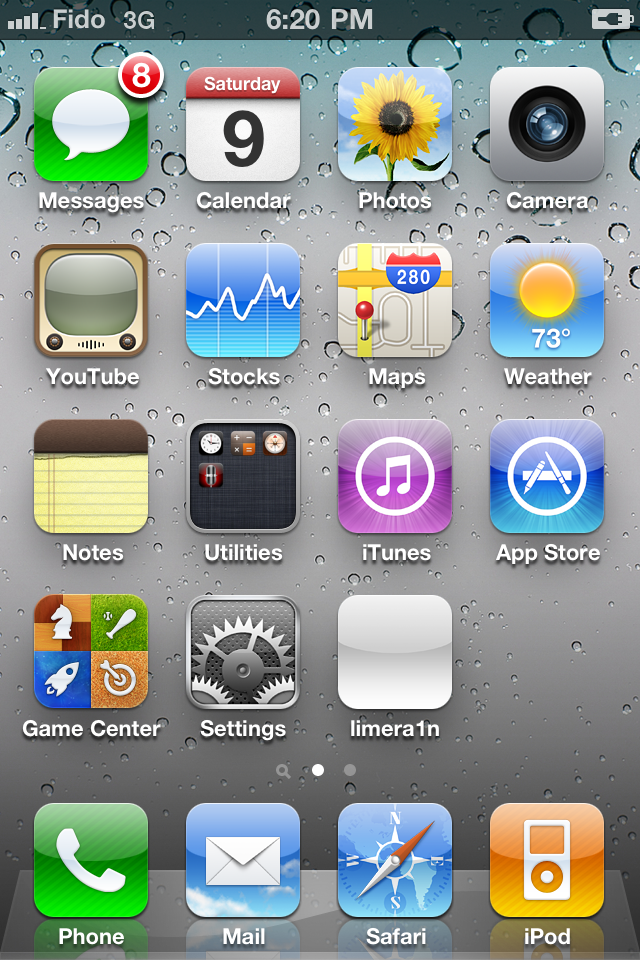
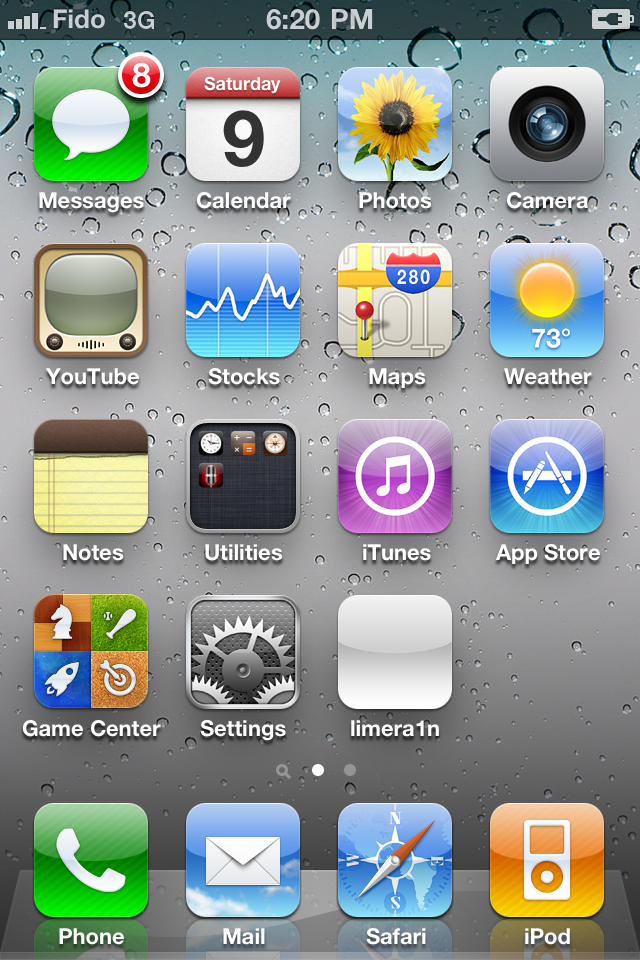
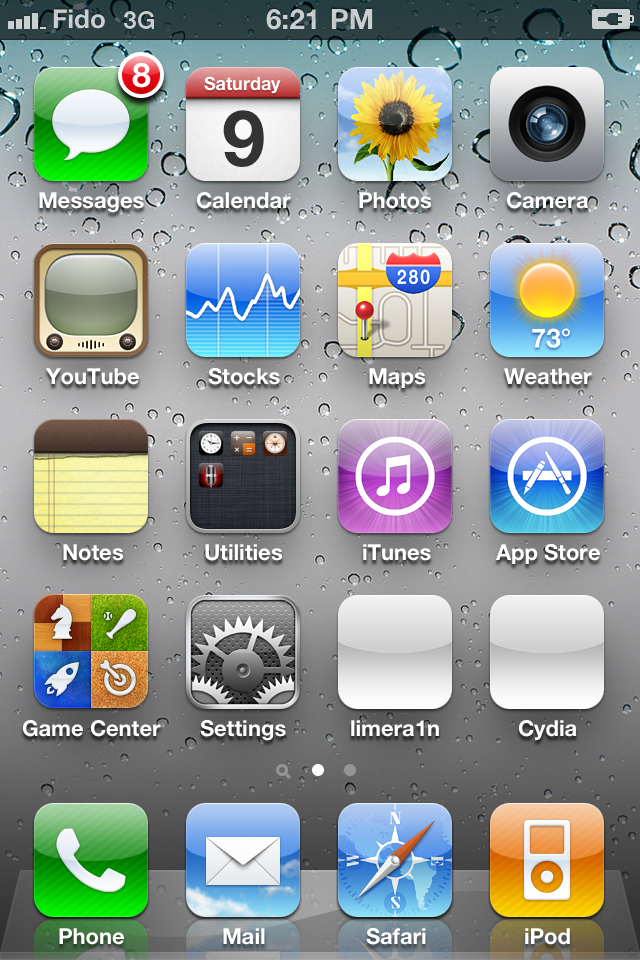
After you power back on your iPhone you will see a new icon on the SpringBoard entitled limera1n. Press it to continue.

Step Seven
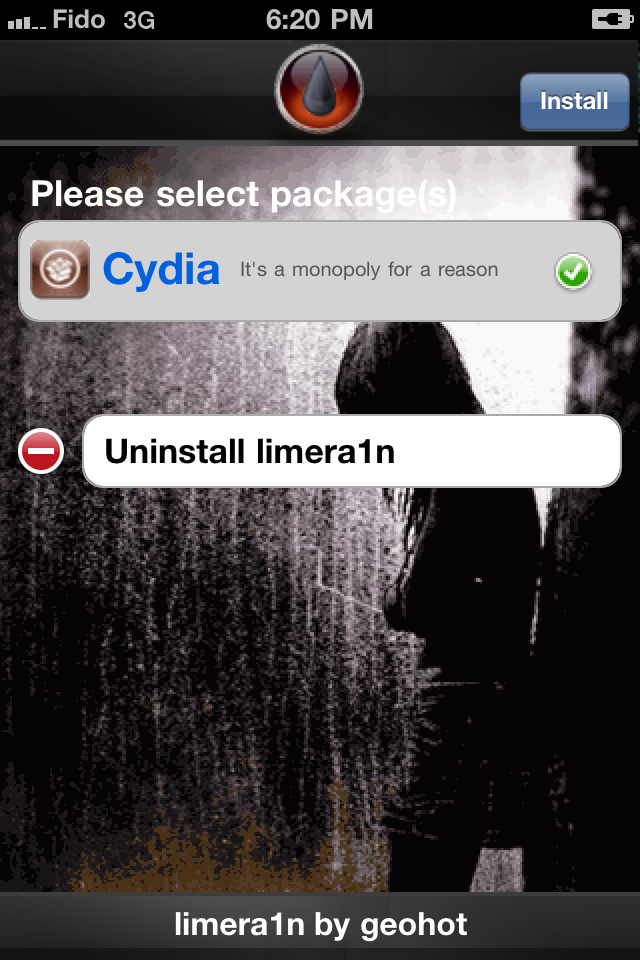
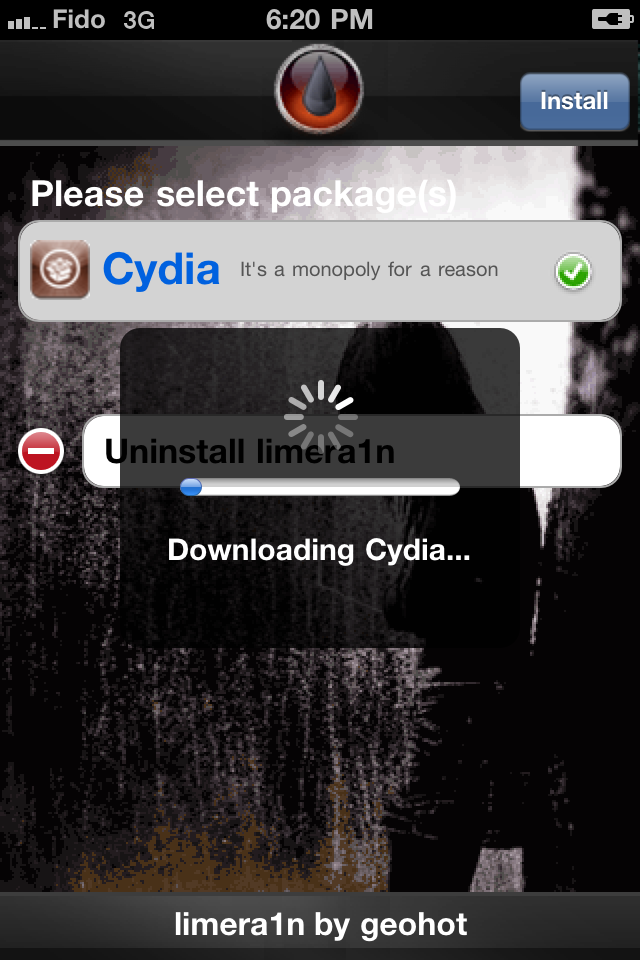
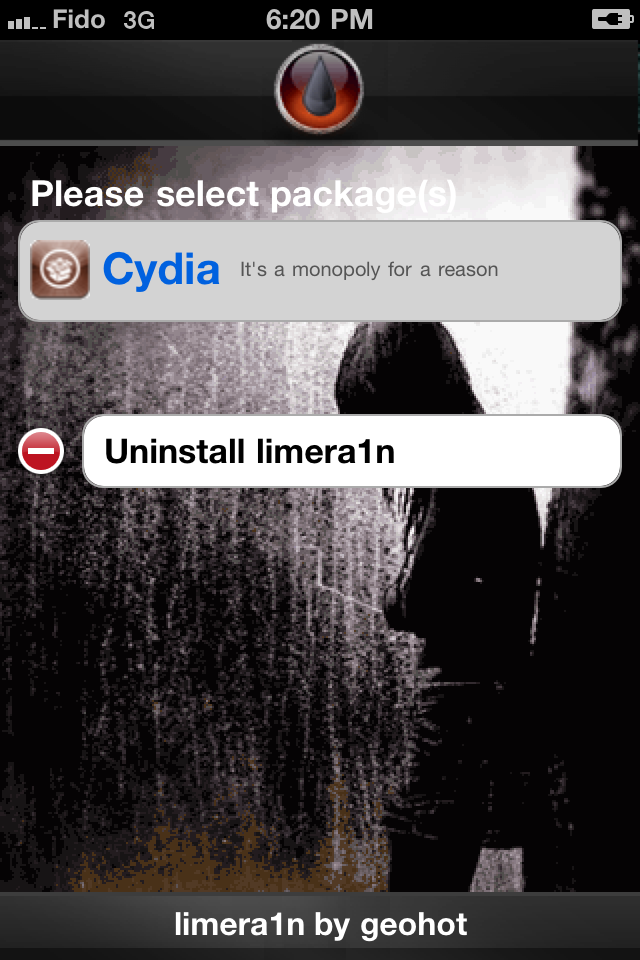
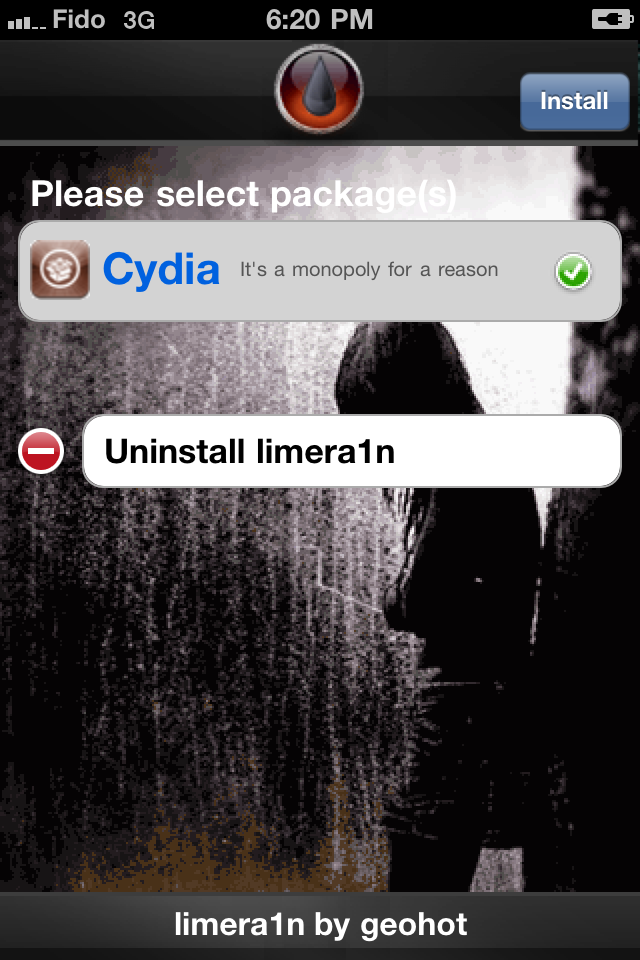
Once Limera1n opens select Cydia then press the Install button at the top right of the screen.


Step Eight
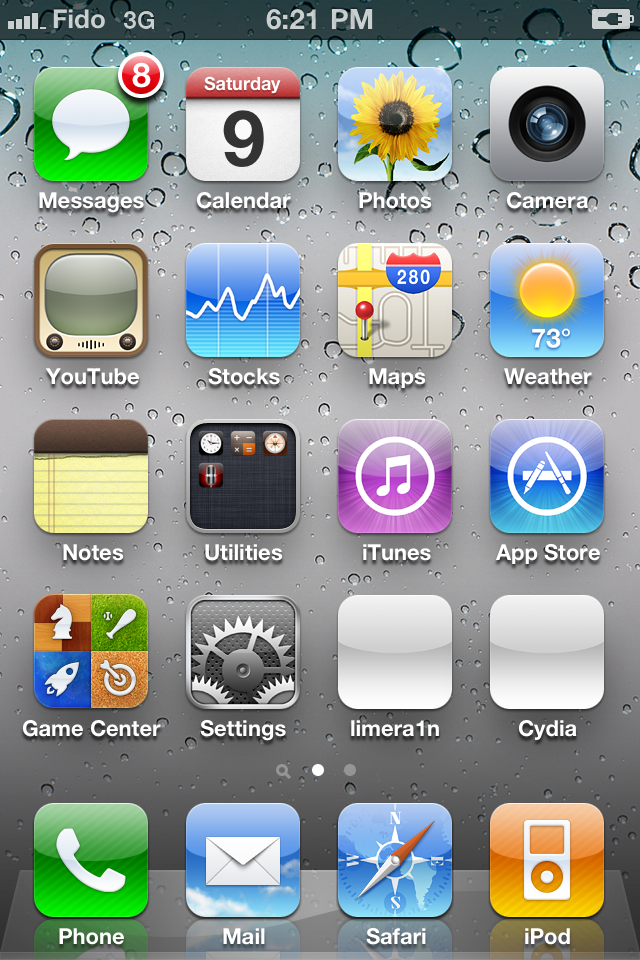
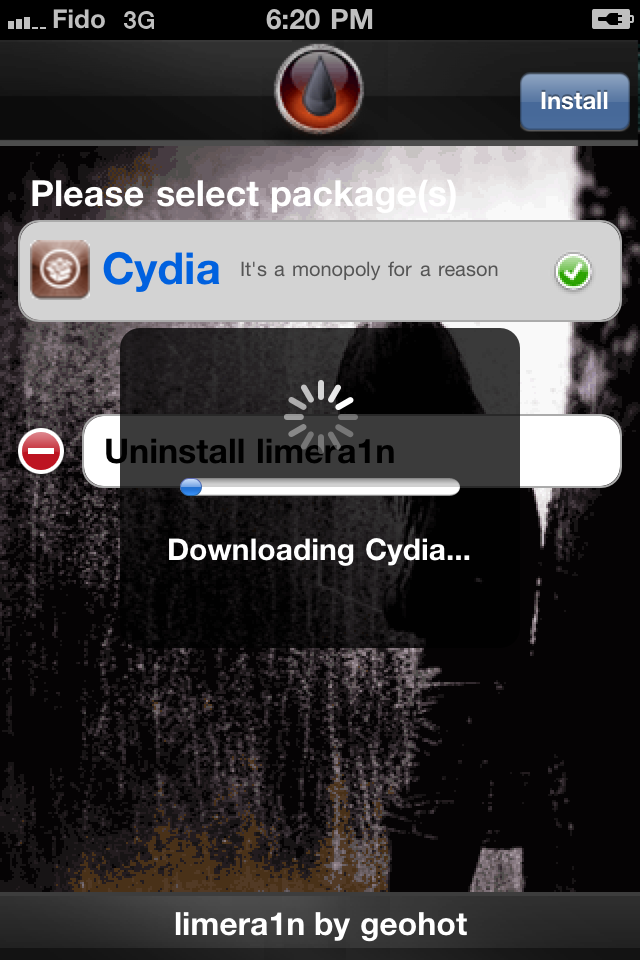
Once the Cydia installation has completed you must reboot your iPhone.


Step Nine
When your iPhone has restarted you can run Cydia. Let it do all the necessary updates then follow our Unlock tutorial if possible for your device.

NOTE*: To remove the limera1n icon from your desktop you can relaunch the app and tap the Uninstall Limera1n button or install CyDelete from Cydia then use it to delete the application.
***A big thanks goes to Geohot who made this jailbreak possible.
Remember: Do not update to iOS 4.1 if you need the unlock. Ultrasn0w does not support that baseband yet. The only exception is the iPhone 4. You can update to iOS 4.1 without upgrading your baseband by following this tutorial.
Step One
Open your web browser of choice and navigate to http://www.limera1n.com. Click the Mac logo at the bottom of the screen.
Step Two
When prompted save the download to your desktop
Step Three
Double click the limera1n.zip file from the desktop to extract the application, then double click it to launch.

Step Four
Click the large make it ra1n button

Step Five
You iPhone will now be placed in recovery mode.

Press both the power and the home buttons.

When Limera1n asks you to, release the power button.

Your phone will now be in DFU mode

As limera1n performs its exploit you will see the image of a lime raindrop on your iPhone.


Limera1n will let you know when it is complete.


Step Six
After you power back on your iPhone you will see a new icon on the SpringBoard entitled limera1n. Press it to continue.
Step Seven
Once Limera1n opens select Cydia then press the Install button at the top right of the screen.
Step Eight
Once the Cydia installation has completed you must reboot your iPhone.
Step Nine
When your iPhone has restarted you can run Cydia. Let it do all the necessary updates then follow our Unlock tutorial if possible for your device.
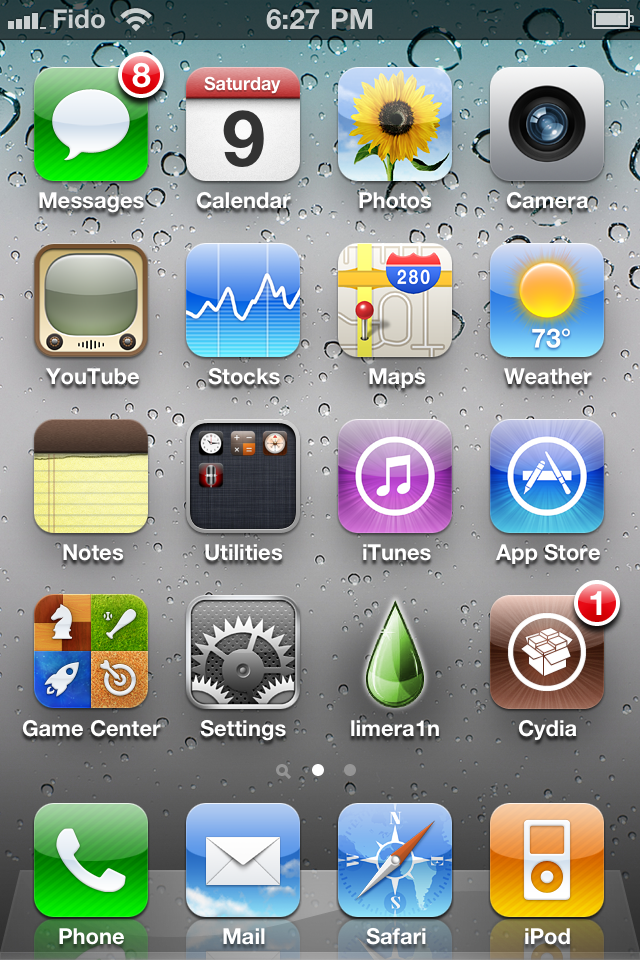
NOTE*: To remove the limera1n icon from your desktop you can relaunch the app and tap the Uninstall Limera1n button or install CyDelete from Cydia then use it to delete the application.
***A big thanks goes to Geohot who made this jailbreak possible.